Locked In
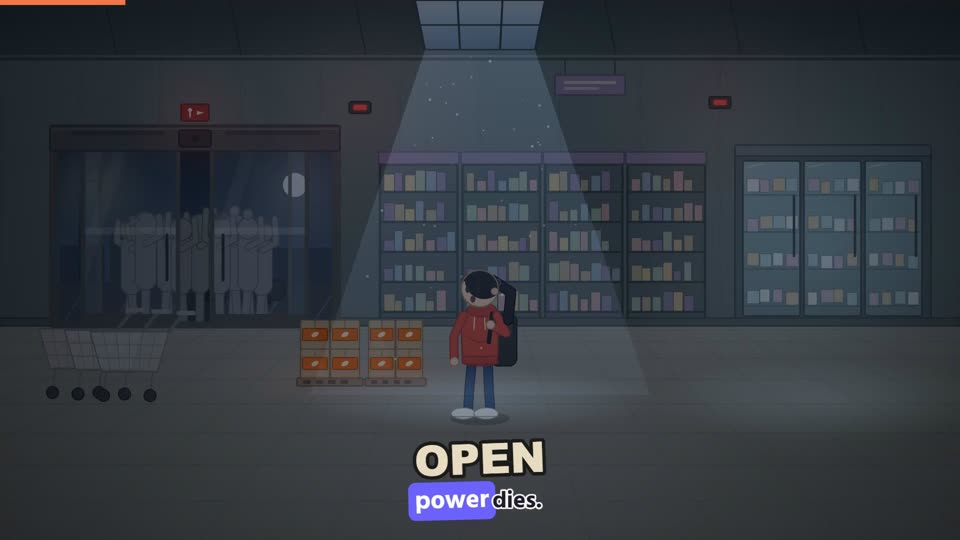
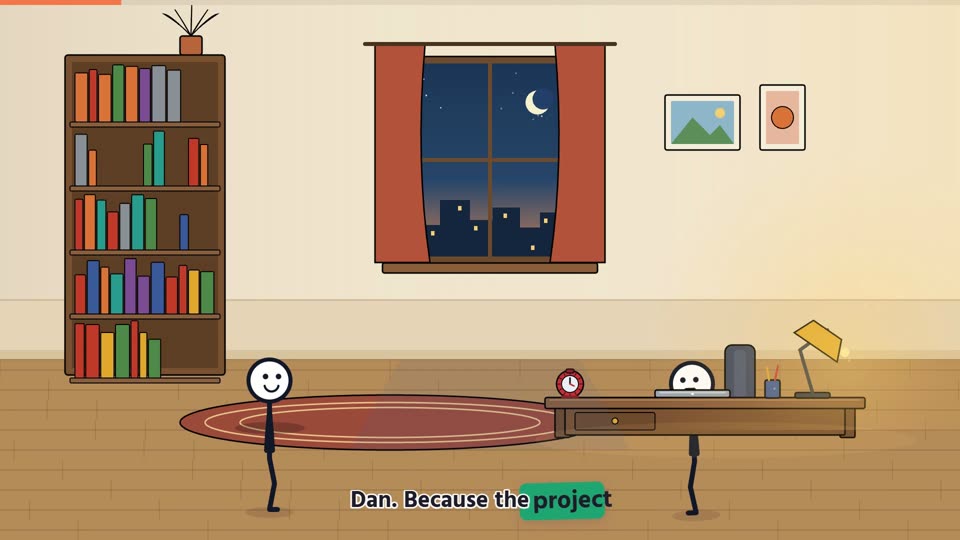
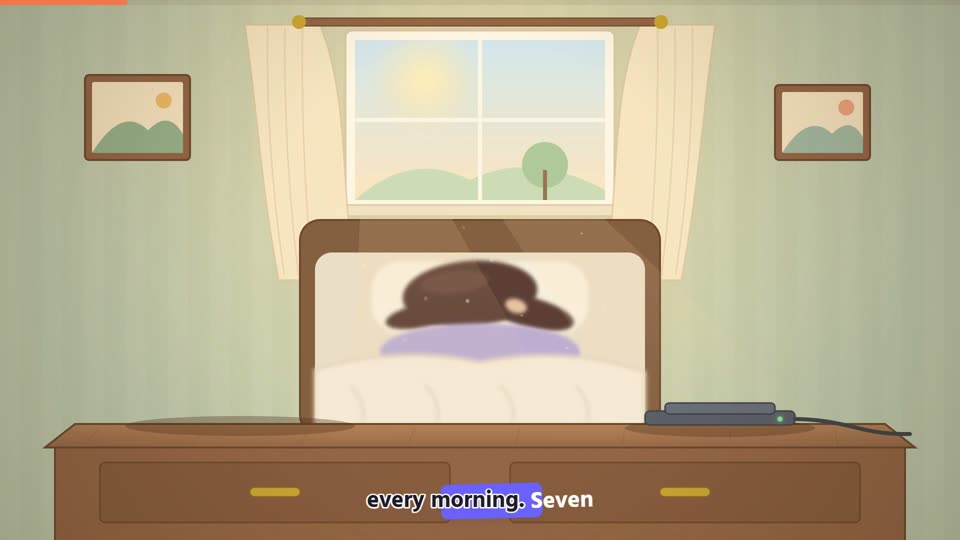
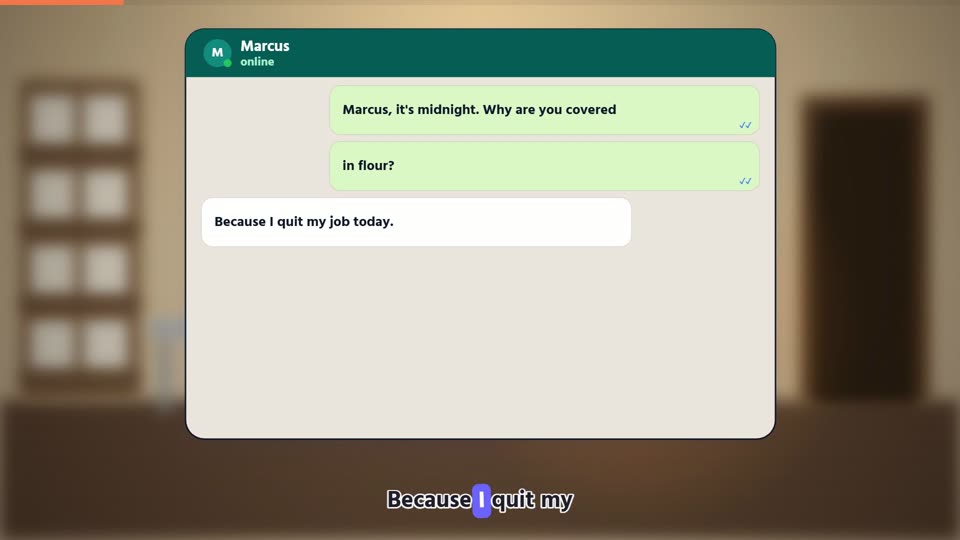
"You" are trapped inside one place during a crisis, with problems, clever fixes and a day counter, in a muted hand-drawn style.
Best forHow to make a video with Locked In
Six simple steps, from your idea to a finished video. It takes about five minutes.
Open the template
Press Use this template on this page. Sign in, or make a free account in a few seconds. The studio opens with Locked In already picked.
Later, you can find it again under Templates in your dashboard.
Use this template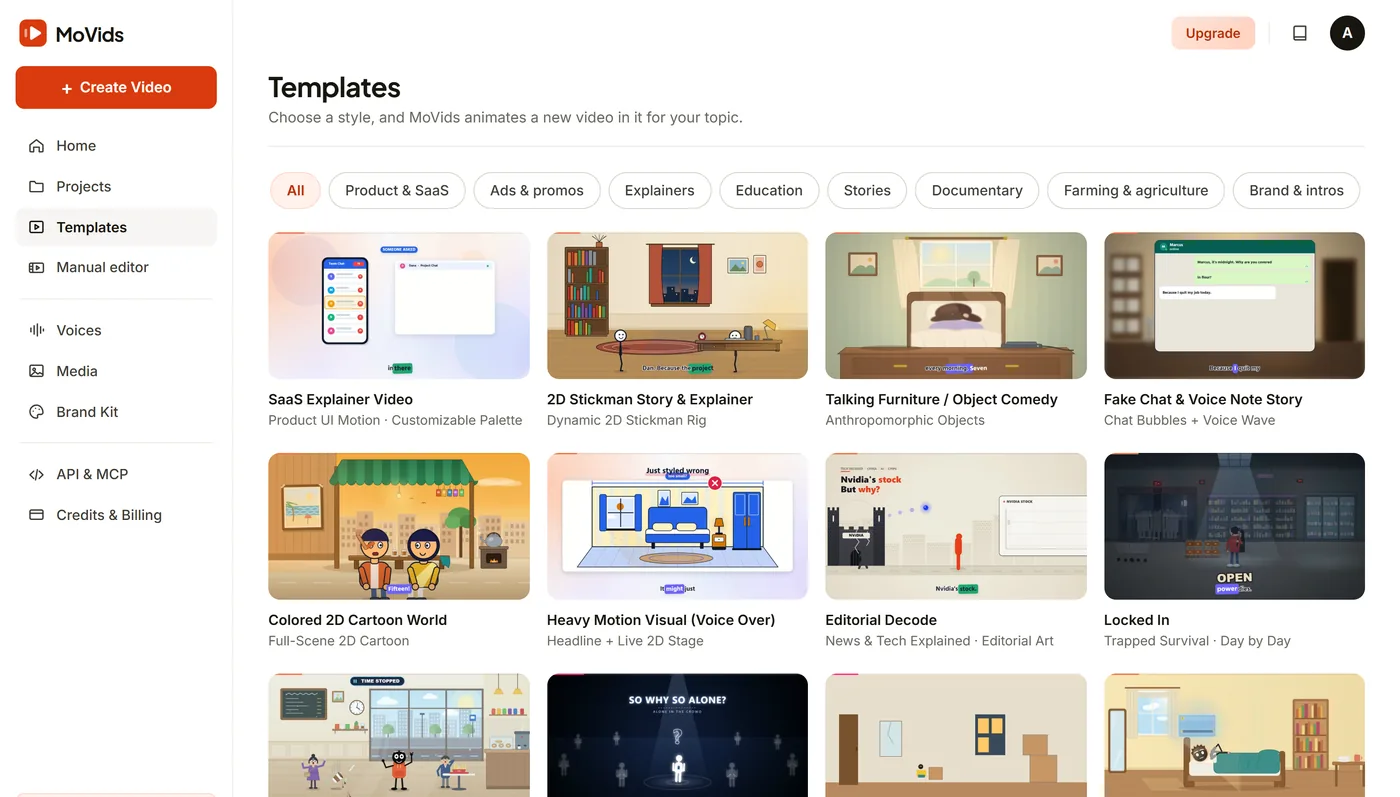
Tell MoVids what the video is about
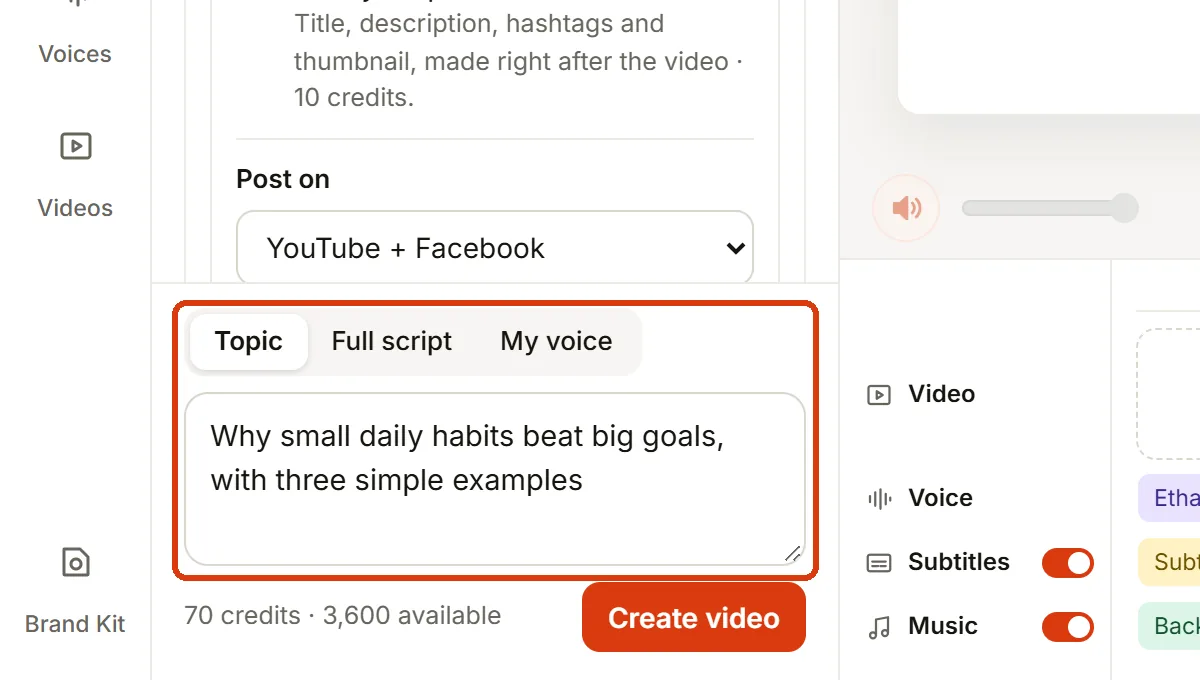
Type one line in the Topic box. For example: "Zombie outbreak: 30 days locked inside a hospital".
Already have the words? Choose Full script and paste them. MoVids reads them as they are. Want to use your own voice? Choose My voice and record or upload it.
Pick a voice and a length
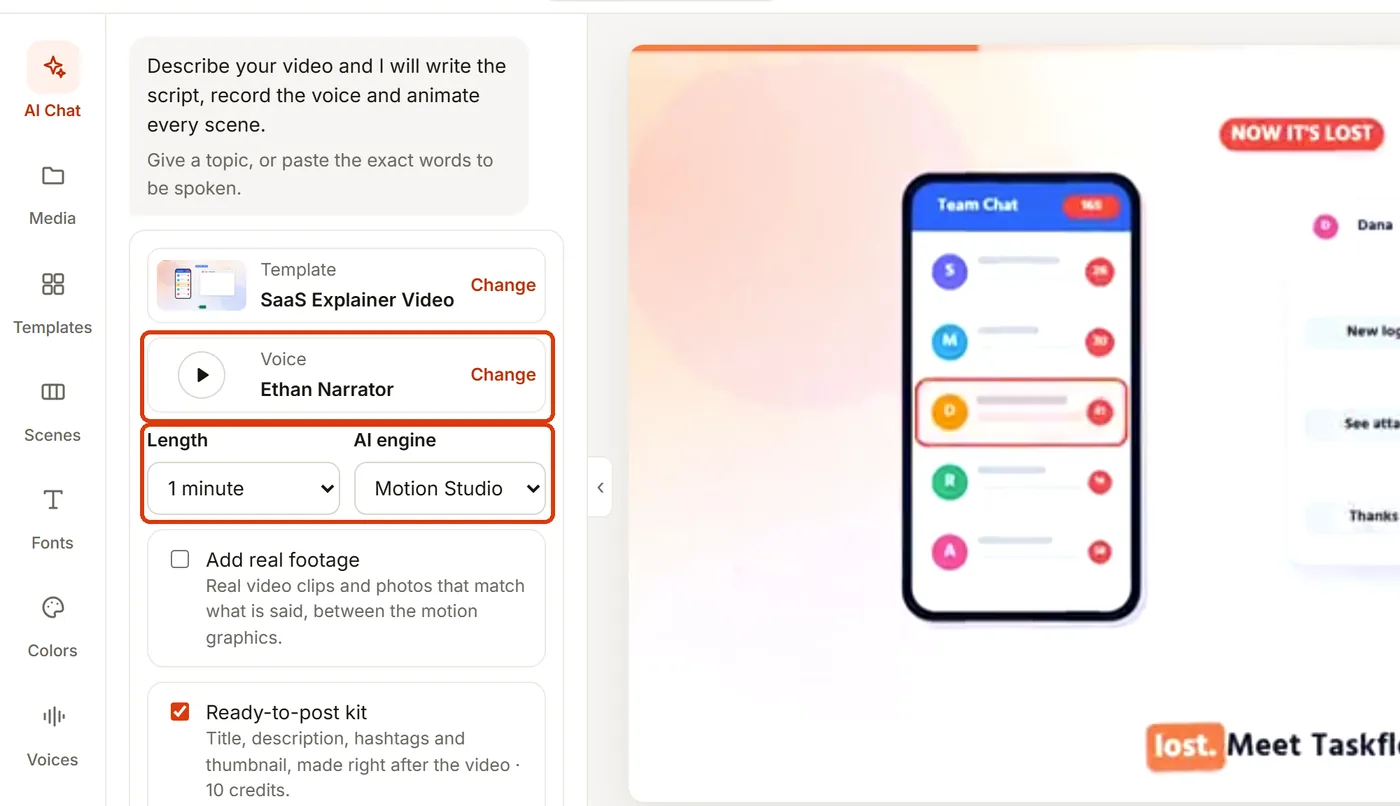
Press Change next to the voice to hear the samples. For Locked In, a warm storyteller voice works well.
This template is wide (16:9), made for YouTube, Facebook and websites. Choose a length. The demo above is 30 seconds long.
Add your brand (optional)
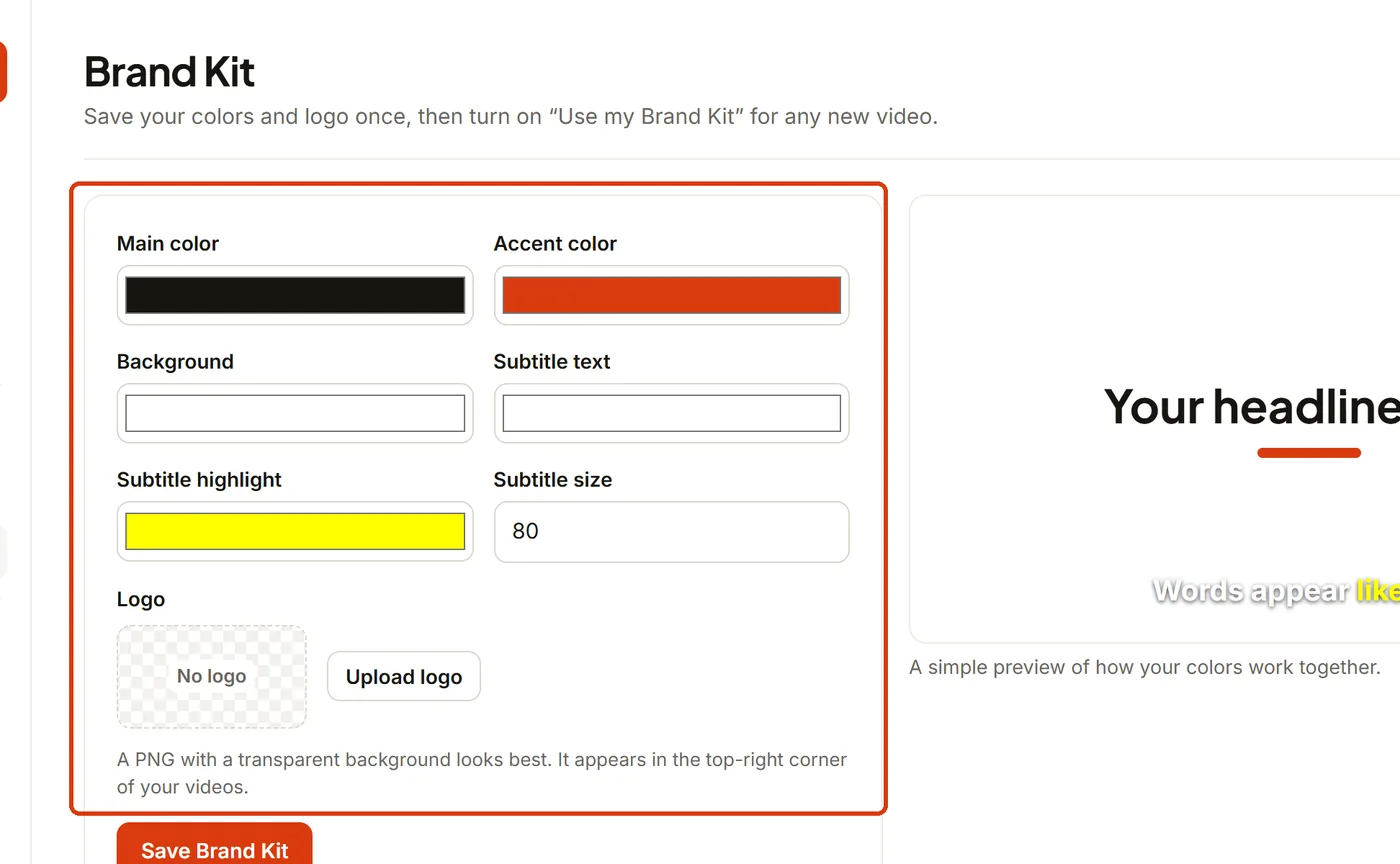
Set your colors, subtitle style and logo once in Brand Kit. Then turn on "Use my Brand Kit" and every video you make looks like yours.
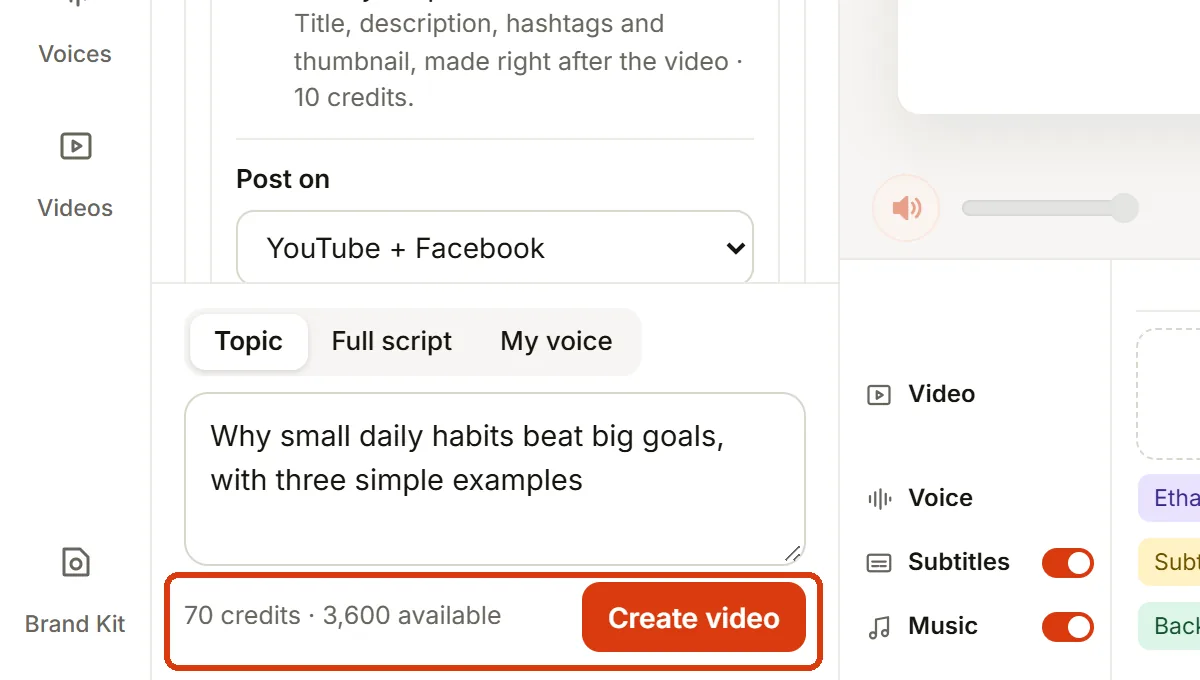
Press Create video
MoVids writes the script, records the voice, animates every scene and adds subtitles and music. 1 credit is 1 second, so a 30-second video uses about 30 credits.
Most videos are ready in a few minutes. We email you when it is done. If anything fails, your credits come back.
Download and post
Your video appears in Projects. Watch it, then download the 1080p MP4 or share it straight away.
Turn on the ready-to-post kit to also get a title, description, hashtags and a thumbnail for YouTube and Facebook.
Tips for a great Locked In video
- Give the story a main character and one problem to solve.
- Say how it should feel: funny, sweet or surprising.
- Keep it short. Stories of 30 to 60 seconds are watched to the end the most.
Make your own Locked In video.
Pick a template, write your topic, and download a finished MP4.
Start creating