Text to motion graphics, timed to every word
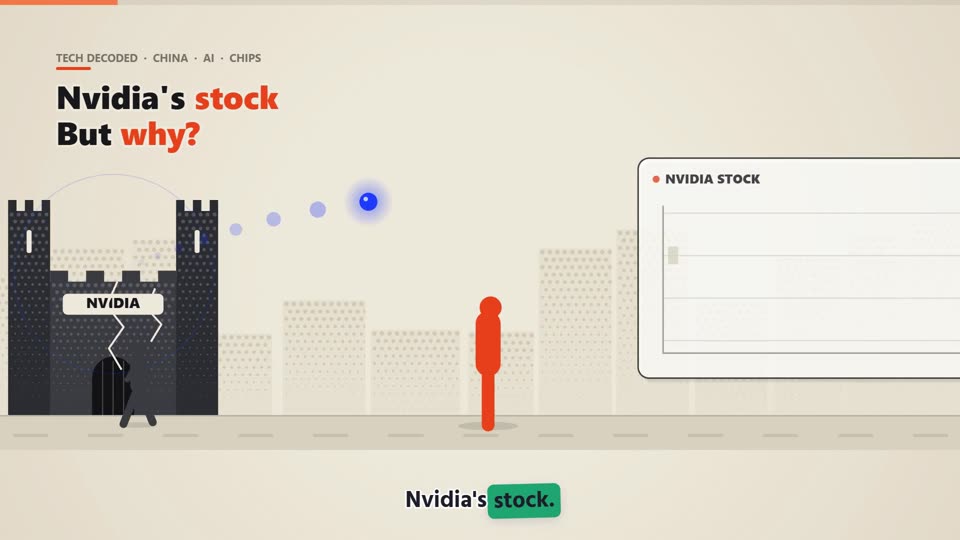
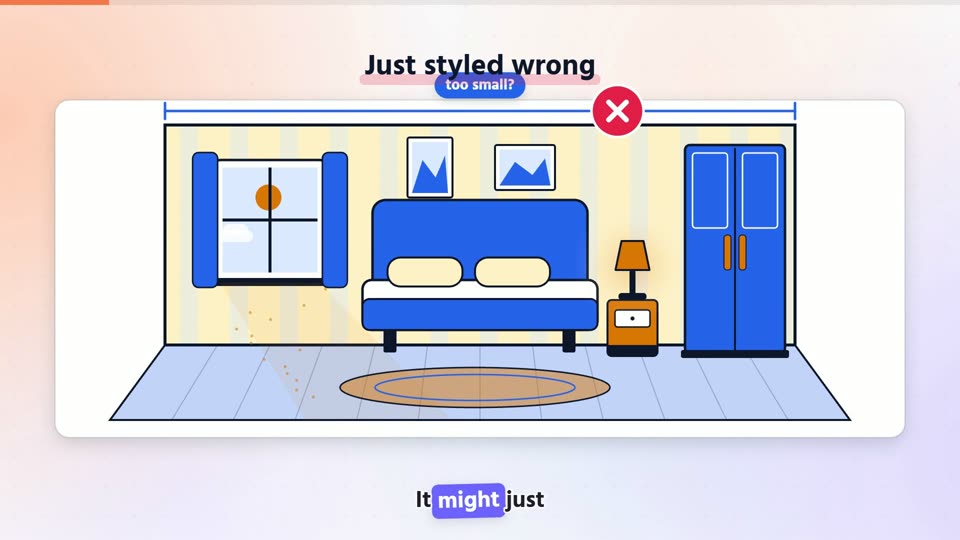
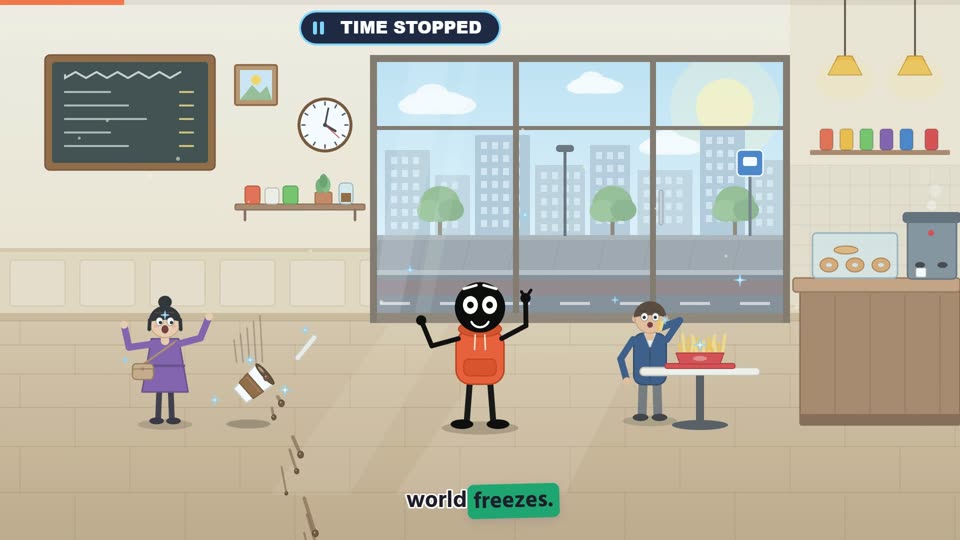
Type a topic and MoVids researches and writes the script, or paste your own and it stays yours. Either way, the animation is built around your words and lands on the moment they are spoken.
From text to finished video
Start with text
A short topic gets a researched script. A full script is used as you wrote it.
Choose a voice
Pick a voice by language and tone, or upload your own recording.
Words become cues
Every word is timestamped, so headlines, charts and characters react on time.
Download the video
The final MP4 includes narration, subtitles, sound effects and music.
Common questions
Can MoVids write the script for me?
Yes. Enter a topic and MoVids writes a script to the length you choose. If you paste a finished script, it is used as written.
Does it work in languages other than English?
Yes. Narration and subtitles follow the language of your script, and each voice lists the languages it supports.
Your next video starts with one sentence.
Pick a template, write your topic, and download a finished MP4.
Start creating